

Overview
The Knowledge Base (KB) acts as the agent’s long-term memory. By connecting a data source, you enable the agent to answer specific questions about your pricing, return policies, and services without hallucinating.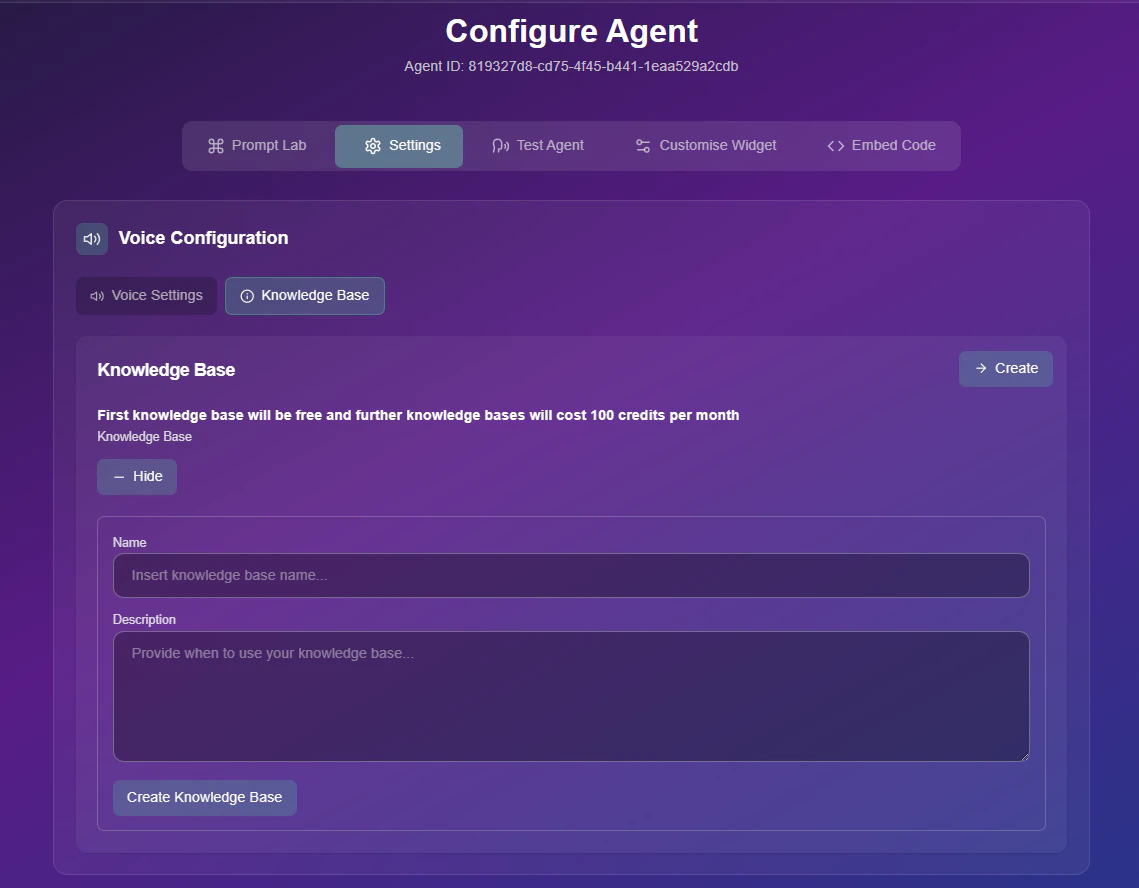
Knowledge Base Configuration Panel
Video Tutorial
Watch a step-by-step guide on how to upload documents and train your agent.Configuration Guide
Follow these steps to assign intelligence to your agent:1
Select Data Source
Navigate to the Knowledge Base dropdown menu.
- Existing KB: If you have already created a library, simply select it from the list to attach it to this agent.
- Create New: Select + Create New KB to start a fresh training session.
2
Train Your Agent
If creating a new source, choose your training method below:
- File Upload (Docs)
- URL Scraper (Web)
Best for internal documents, PDF brochures, and policy manuals.
- Upload: Drag and drop your files (PDF, DOCX, TXT) into the upload zone.
- Processing: Wait for the system to index the text.
- Save: Name your KB (e.g., “HR Policies 2026”) and click save.
3
Save & Test
Once attached, click Save Changes.
Pricing Notice: Your first Knowledge Base is included for free. Creating additional specialized KBs may incur extra credit costs depending on your subscription plan.