

Overview
To start building a new assistant, locate the + New Agent button on your dashboard.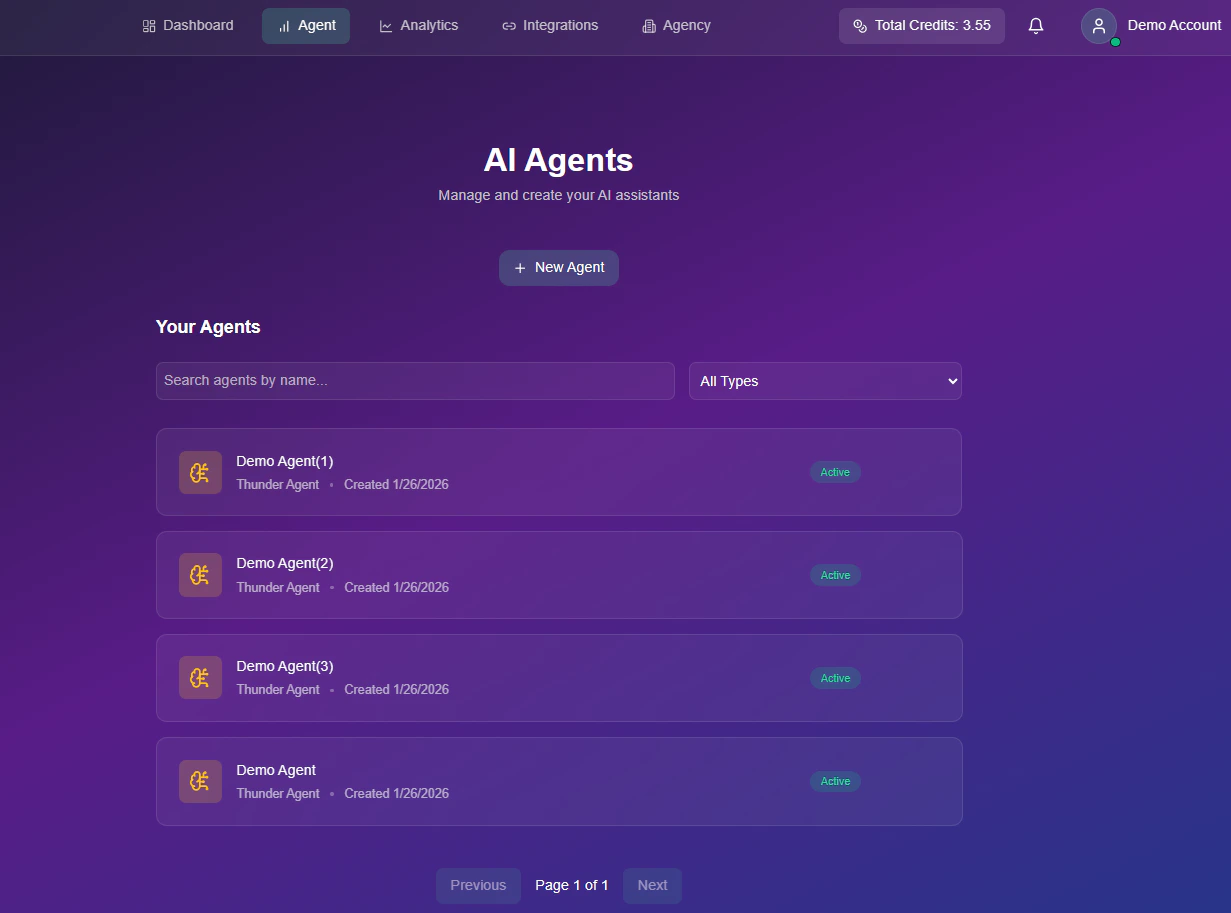
Video Tutorial
Watch a quick walkthrough on how to initialize your first agent.Step-by-Step
1
Name Your Agent
Enter a unique identifier for your agent (e.g., “Inbound Support” or “Sales Bot”).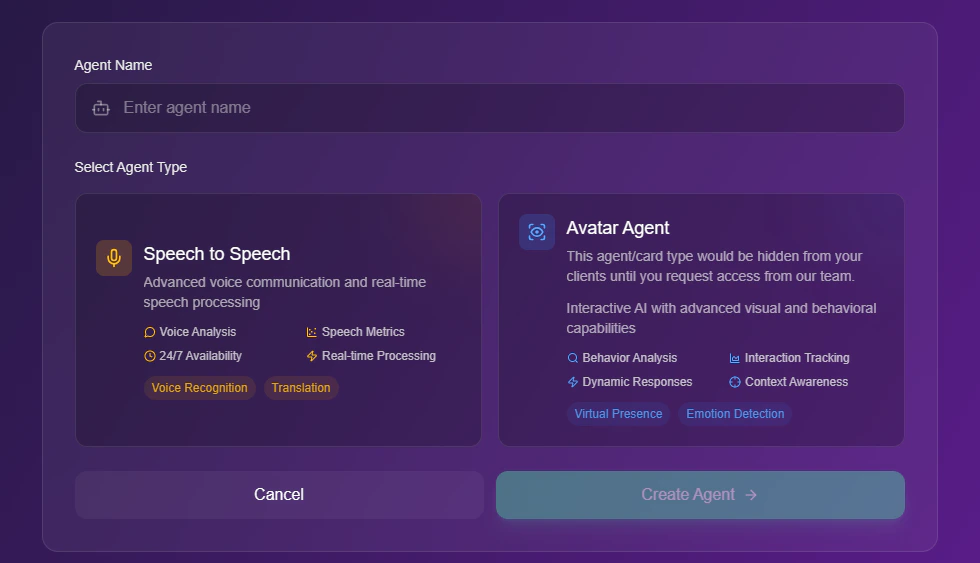
2
Select Agent Type
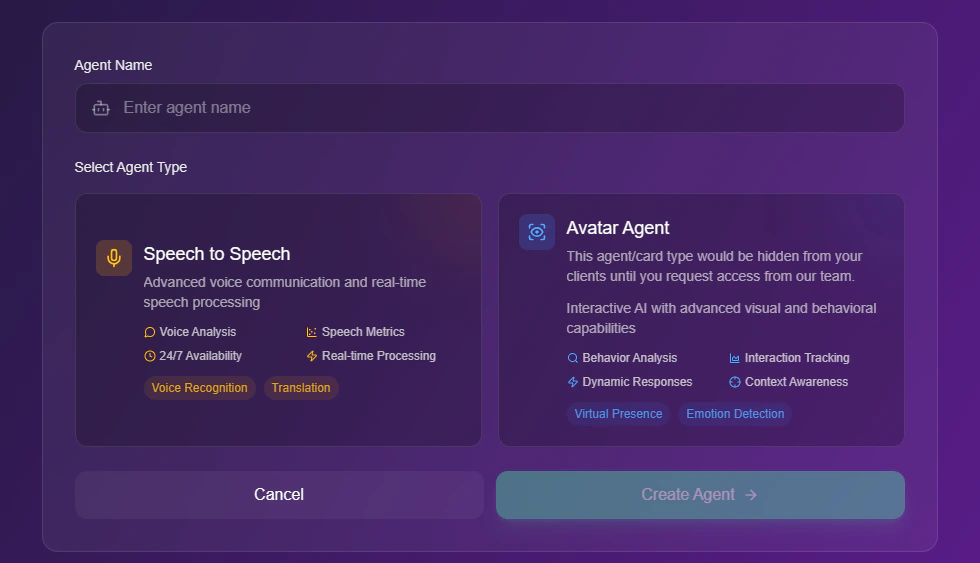
Choose the format that best fits your use case. Use the tabs below to see how the interface changes based on your account permissions:
- Standard View (Default)
- Activated View
By default, only the Speech to Speech agent type is visible for configuration.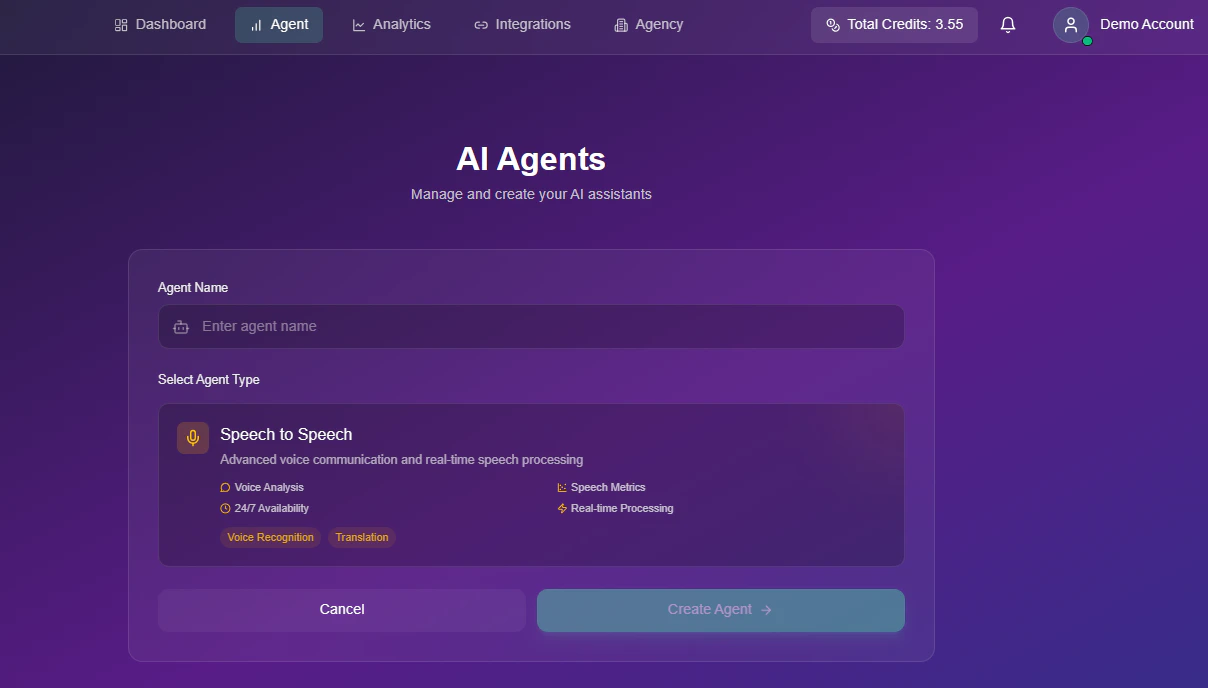
The Avatar Agent feature is deactivated by default. If you would like to activate this feature in your account, please contact our Support Team to initiate the setup process.
3
Create
Click the Create Agent button to generate your unique agent ID and enter the configuration menu.