> ## Documentation Index
> Fetch the complete documentation index at: https://support.snowie.ai/llms.txt
> Use this file to discover all available pages before exploring further.
# Create Agent
> Initialize a new AI assistant
## Overview
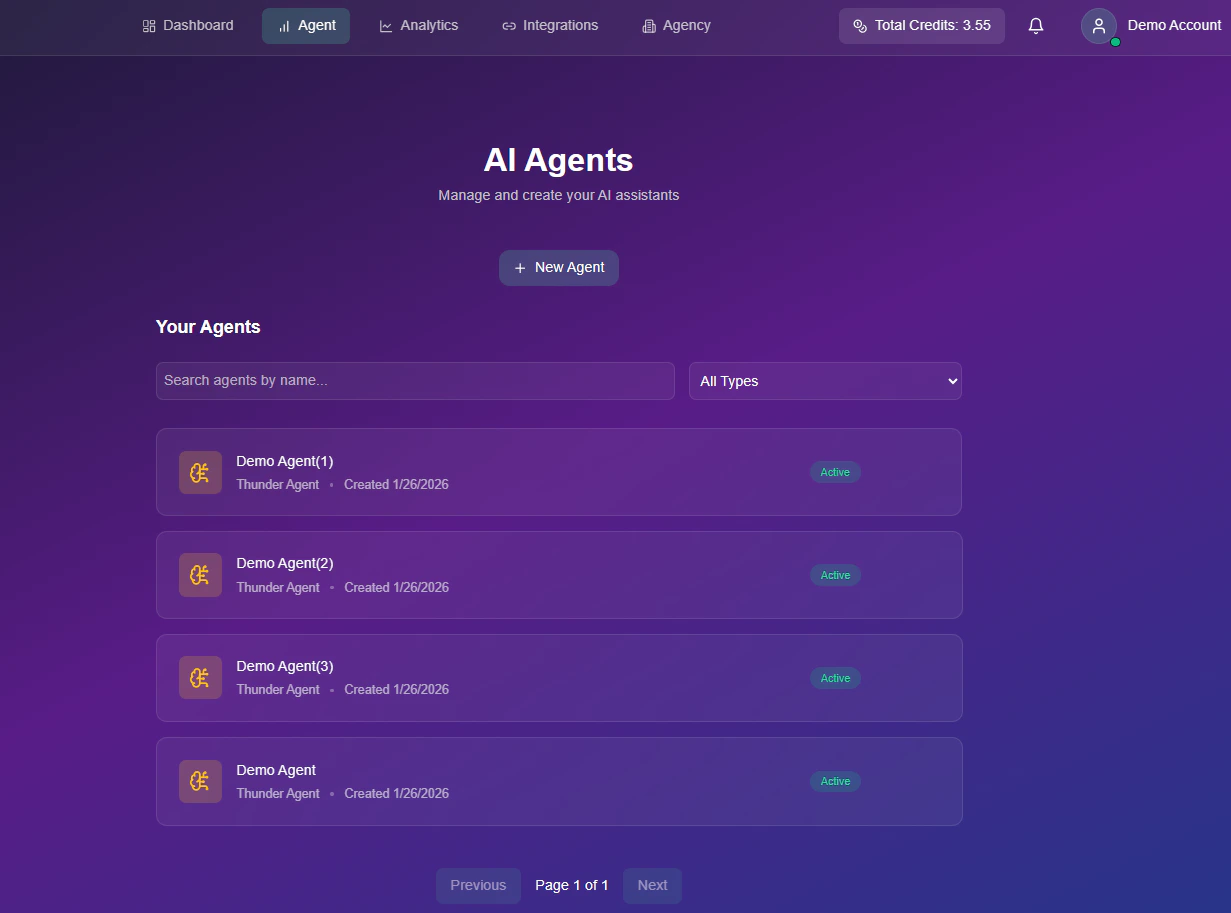
To start building a new assistant, locate the **+ New Agent** button on your dashboard.
 ## Video Tutorial
Watch a quick walkthrough on how to initialize your first agent.
## Step-by-Step
Enter a unique identifier for your agent (e.g., "Inbound Support" or "Sales Bot").
## Video Tutorial
Watch a quick walkthrough on how to initialize your first agent.
## Step-by-Step
Enter a unique identifier for your agent (e.g., "Inbound Support" or "Sales Bot").
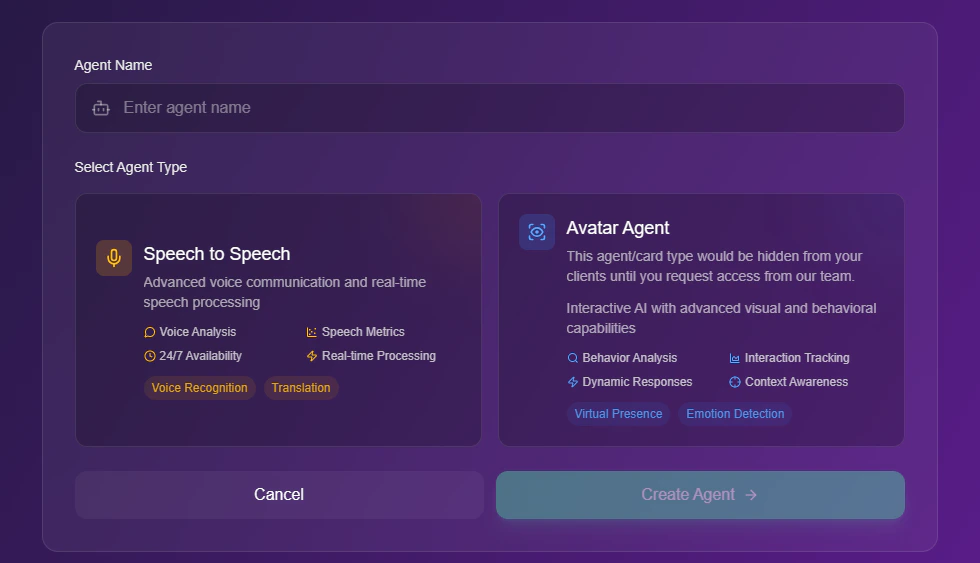 Choose the format that best fits your use case. Use the tabs below to see how the interface changes based on your account permissions:
By default, only the **Speech to Speech** agent type is visible for configuration.
The **Avatar Agent** feature is deactivated by default. If you would like to activate this feature in your account, please contact our **Support Team** to initiate the setup process.
Choose the format that best fits your use case. Use the tabs below to see how the interface changes based on your account permissions:
By default, only the **Speech to Speech** agent type is visible for configuration.
The **Avatar Agent** feature is deactivated by default. If you would like to activate this feature in your account, please contact our **Support Team** to initiate the setup process.
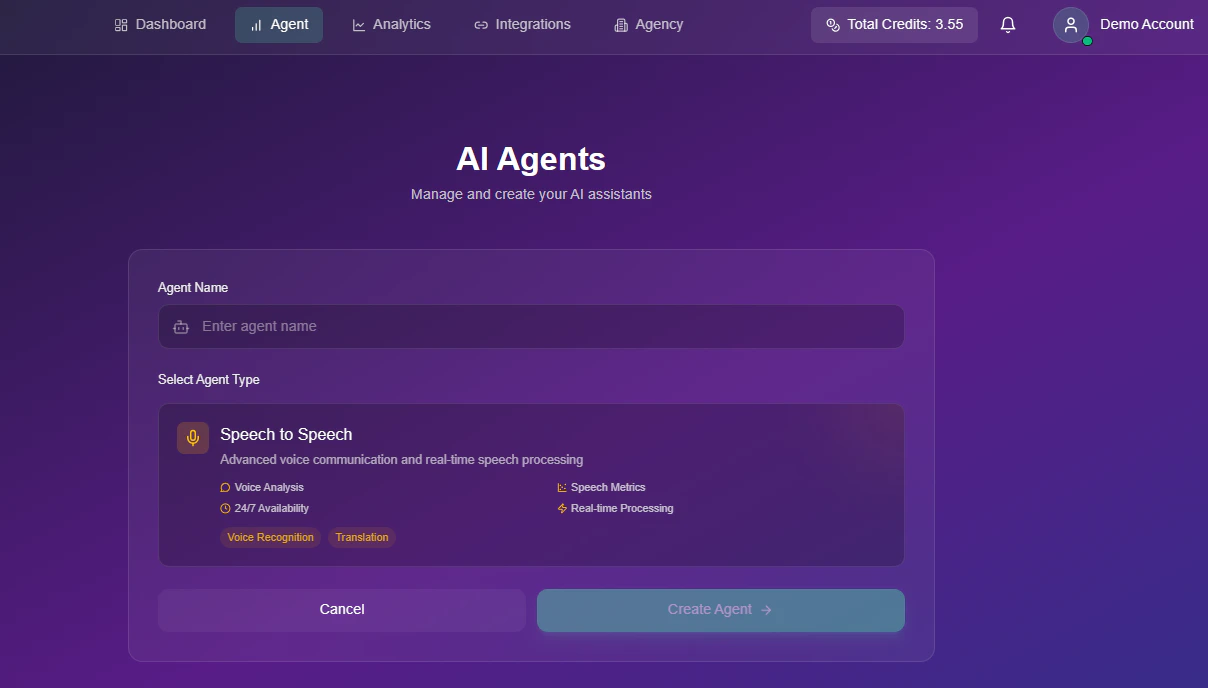 Once our team has enabled the feature, the **Avatar Agent** option will become available alongside Speech to Speech.
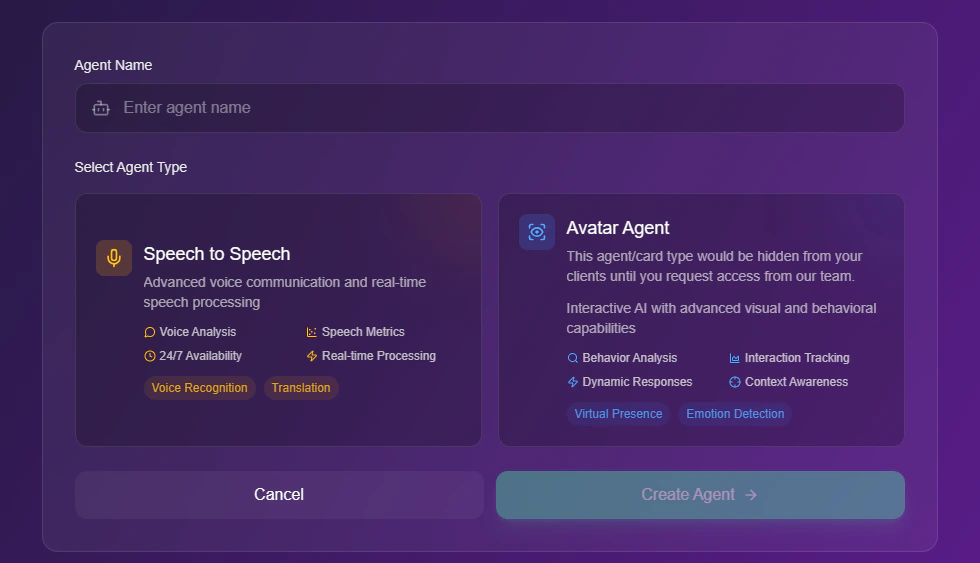 Click the **Create Agent** button to generate your unique agent ID and enter the configuration menu.